
What players say
StrikeZone Arena stands out for its accessible yet strategic gameplay. The arenas are well-designed, encouraging movement and clever use of power-ups. Match customization adds replay value, letting players adjust speed and rules. The practice mode is a smart addition for newcomers. Overall, it is a polished multiplayer experience that appeals to both casual and competitive players.
About this game
Arena Action & Objectives
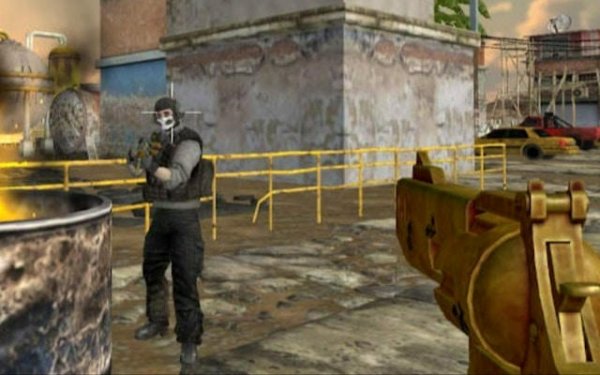
In StrikeZone Arena, players enter colorful arenas with the simple goal of scoring more points than their rivals. Each match is a fast-paced contest where participants fire projectiles at one another. A direct hit earns a point, but getting hit yourself resets your position and gives the opponent an opportunity. The action is constant, with players respawning quickly to rejoin the fray. This keeps the energy high and every match unpredictable.
Movement & Aiming Basics
Controlling your character is straightforward. Keyboard keys handle movement around the arena, while the mouse is used to aim and fire. The arenas are designed with ramps, walls, and open spaces, so learning to navigate efficiently is important. Players who master quick turns and precise aiming tend to perform better. The controls are responsive, making it easy for newcomers to pick up while still offering depth for experienced players.
Power-Ups & Temporary Boosts
Scattered across each arena are power-ups that grant temporary advantages. These can increase movement speed, allow double jumps, or provide extra hit points. Grabbing these items at the right moment can turn the tide of a match. Some power-ups appear frequently, while others are rarer, encouraging players to fight for control of key areas. Using a speed boost to dodge an incoming projectile or a double jump to reach a high ledge are common tactics.
Match Customization Options
Before starting a match, players can adjust several settings to change the pace. Options include doubling movement speed, enabling double jumps, or increasing hit points. These modifiers let players create faster or more strategic encounters. Customization also applies to the number of players and match duration. This flexibility means each session can feel different, whether you want a quick warm-up or a longer, more tactical battle.
Character Personalization
Players can personalize their character's appearance using available options. Changing colors, patterns, or accessories allows for individual expression. While customization does not affect gameplay, it adds a layer of fun and helps distinguish teammates or opponents. The system is simple to use, letting players quickly adjust their look between matches.
Practice Mode & Skill Building
For those looking to improve, a solo practice mode is available. Here, players can explore each arena's layout, learn power-up spawn points, and practice aiming without the pressure of opponents. This is a great way to build muscle memory and try different strategies. Practicing in a calm environment helps players react faster when facing real competition.

Player Comments
Sign in to comment
You must be logged in before posting a review or rating.
No account? Create one
No comments yet. Be the first to comment!